

CNC Machine Interfaces & Custom UI Solutions
Machine-specific CNC control interfaces and HMI solutions for compatible Radonix hardware.

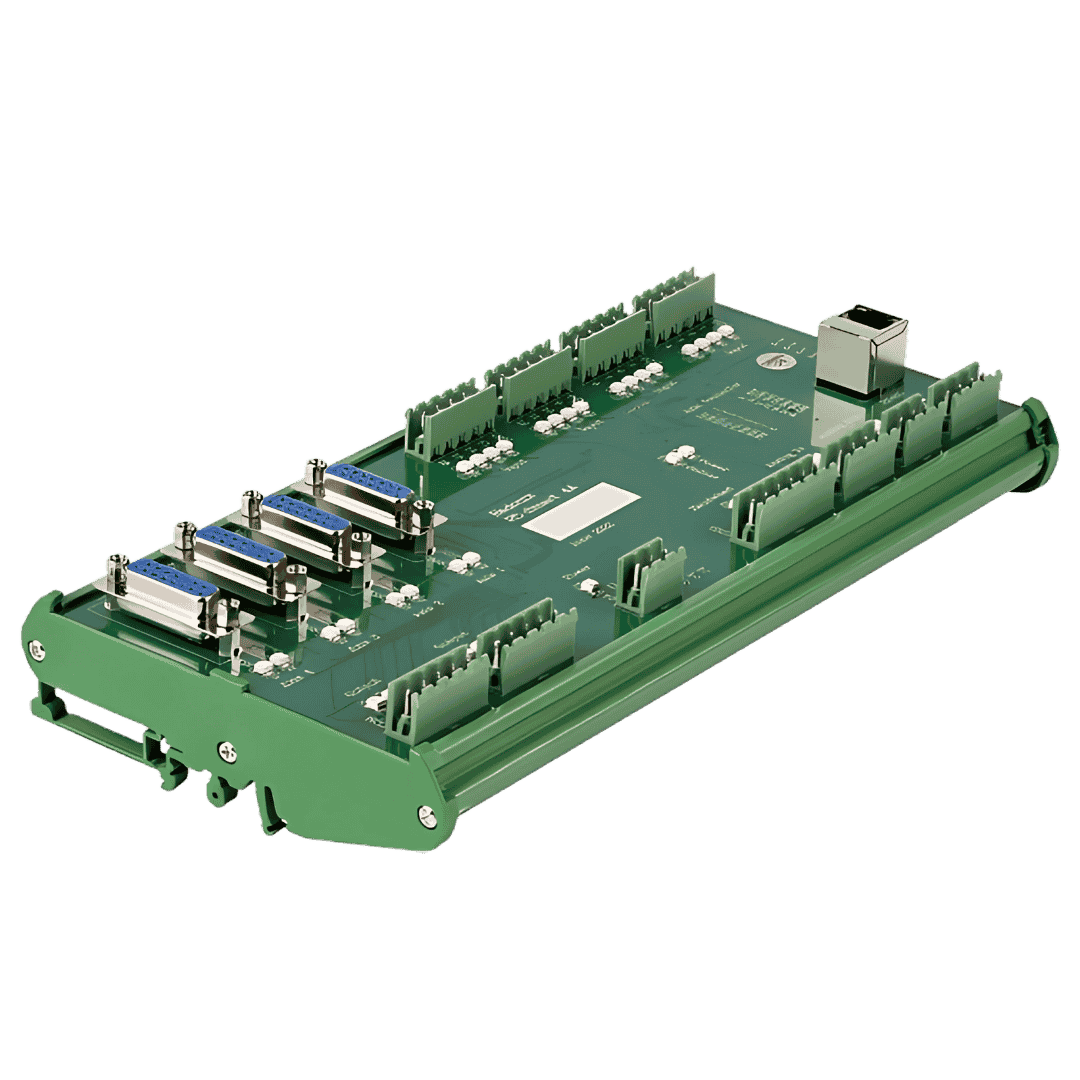

About Interfaces
The point where true customization comes into play is what we call the “interface.” An interface is a set of customized screens, commands, and workflows specifically designed for the capabilities and I/O (input/output) of a particular CNC machine. For example, “XYZ Plasma” is a plasma cutting solution that offers an interface tailored to plasma cutting parameters such as controlling cutting speed, torch height, and gas flow.
Each of these interfaces ensures that the operator only sees the tools and settings relevant to the machine in use. It eliminates clutter, optimizes workflow, and reduces the likelihood of errors. These specialized interfaces simplify the process by making CNC operation more intuitive and efficient, rather than forcing the user to navigate through generic options. The interface is a carefully crafted environment that brings together the specific functionality tailored to each machine’s unique requirements.
Custom Interface Requests
If you need a custom interface for a specific CNC setup that is not available in our current collection, please contact us. Our team is ready to design and provide a custom interface to meet your unique requirements.
Interface Types
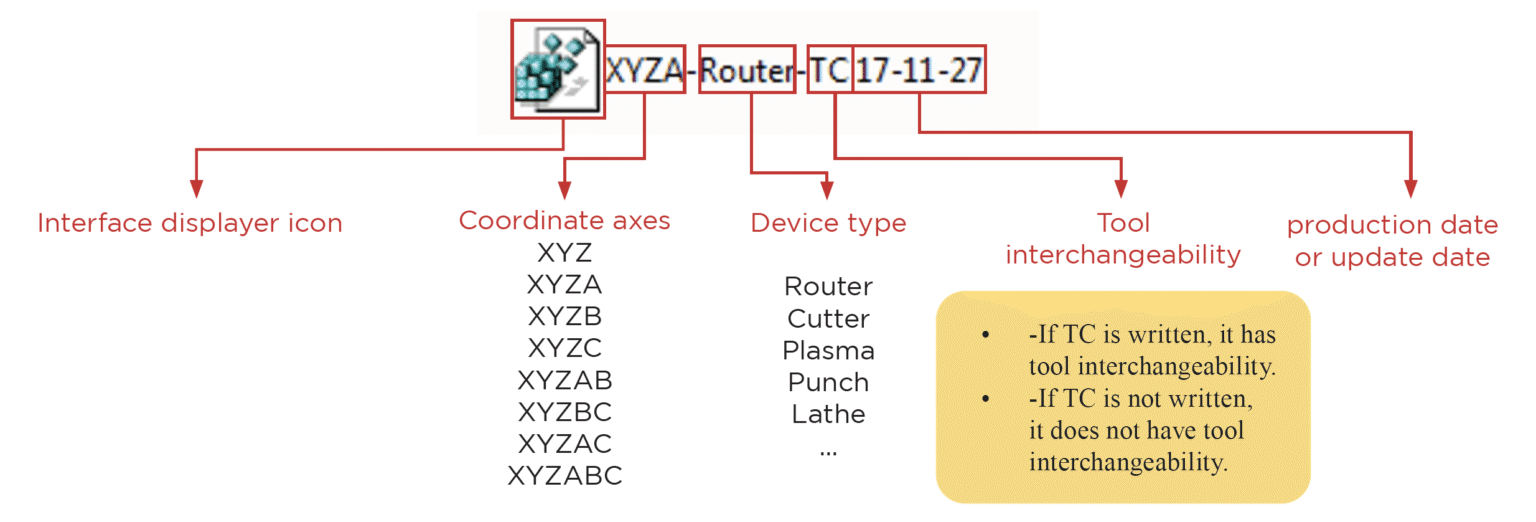
Interface files (in REG format) are downloaded and then run through our CAM Pro application. The interface name, number of axes, last update date, the machines it is used on, and any general features (e.g., tool changer) are specified. The designated photo includes detailed descriptions.

Interfaces List
Explore machine-specific Radonix interfaces by axis configuration. Every card links directly to its related interface page.
2-Axis Interfaces
7 machine interfaces
XY Cutter
For Cutting Machines
Read More →
XY HotWire
For Plastic Cutting Machine
Read More →
XY Pipe Cutter
For Pipe Cutting Machine
Read More →
XY Sewing
For Sewing Machine
Read More →
XY Punch
For Punching Machine
Read More →
XZ Wood Turning
For Wood Lathe Machine
Read More →
XZ Ring
For Milling
Read More →3-Axis Interfaces
11 machine interfaces
XYZ Cutter
For Cutting Machine
Read More →
XYZ Plasma + Torch height Controller
For Plasma Cutting Machine
Read More →
XYC SGCut
For Glass Cutting Machine
Read More →
XYZ Pipe Cutter
For Pipe Cutting
Read More →
XYZ Router TC
For Automatic Tool Changer Router
Read More →
XYZ Router
For Router
Read More →
XYZ Simple Drill
For Drilling Machine
Read More →
XYZ Water Jet
For Waterjet Cutting Machine
Read More →
XYZ Stone
For Stone Cutting Machine
Read More →
XYC knife Cutter
For Textile and cutting with Knife
Read More →
XZA Wood Turning
For Wood Lathe Machine
Read More →4-Axis Interfaces
3 machine interfaces


5-Axis Interfaces
1 machine interface
6-Axis Interfaces
1 machine interface
Interface Access and Download
The point where true customization comes into play is what we call the “interface.” An interface is a set of customized screens, commands, and workflows specifically designed for the capabilities and I/O (input/output) of a particular CNC machine. For example, “XYZ Plasma” is a plasma cutting solution that offers an interface tailored to plasma cutting parameters, such as controlling cutting speed, torch height, and gas flow.
You can access detailed documentation for the interfaces.
Review interface documentation, configuration information, and supporting guidance.
CNC Interface FAQ
Common questions about Radonix machine interfaces, installation, customization, and supported CNC applications.
What is a CNC interface in Radonix systems?
A CNC interface in Radonix systems is a customized software environment that connects the CNC control card with the operator, providing machine-specific screens, commands, and workflows tailored to the machine’s I/O and functionality.
How are Radonix CNC interfaces installed and used?
Radonix CNC interfaces are provided as REG interface files that are downloaded and run through the Radonix CAM Pro application, where the interface configuration, axis count, machine type, and features are applied automatically.
Can I request a custom CNC interface for my machine?
Yes, Radonix offers custom CNC interface development for machines that are not covered by the standard interface library, ensuring full compatibility with your machine’s hardware, axes, and operational requirements.
What types of CNC machines are supported by Radonix interfaces?
Radonix interfaces support a wide range of CNC machines, including cutters, routers, plasma systems, waterjet machines, lathes, pipe cutters, jewellery machines, and multi-axis configurations with 2–6 independently controlled and interpolated axes. Specialised jewellery machines can use X4 boards to distribute an existing axis command to multiple motors, enabling around 12 physical motor channels without increasing the independent axis count.