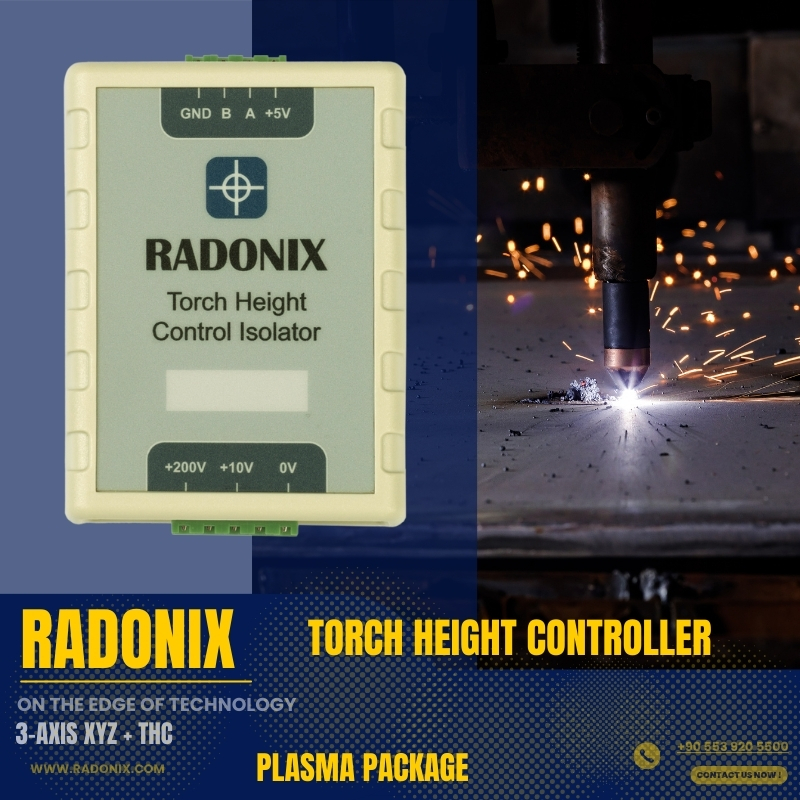
One-line value prop: Three-axis plate cutting with arc-voltage Torch Height Control (THC) for consistent standoff on thin or uneven sheets—kerf-accurate paths, clean leads, and safe, guided operation.
Who uses it: Fabrication & job shops · HVAC/ducting · metal service centers · thin-sheet and long-cut production lines.
Works with: 3-axes Gantry tables with X-Y motion and Z lifter driven by stepper/servo.
Compatible controllers: PC-SMART 4A / PC-SMART 3AS / PC-PRO LAN 4A
Supported files: DXF and standard G-code (e.g., ArtCAM / PowerMill posts)
Important: This interface does include Torch Height Control (THC).
For live arc-voltage height control, use XYZ Cutter + THC.
XY gantry + Z lifter with homing and soft limits; presets for Pierce Height / Cut Height / Retract.
Designed for live arc-voltage Z regulation to hold target standoff on wavy or heat-warped material.
Supports magnetic breakaway, touch sensor, sheet alignment tools, and full E-stop chain.
I/O for Torch On/Off, gas Pre/Post-flow, alarms/beacons, guards/doors, pressure/flow OK.
THC loop drives Z (pulse/dir) to the TorchValue target using THCGain and Tolerance (deadband), with THCThreshold, StartAfter, and EndBefore to prevent dive.
Manual Z trim hotkeys, Speed % override, Pause/Resume, and safe recovery.
Inputs mapped for HomePin X/Y/Z, P-TorchSensorPin (ohmic/mech touch), P-AntiCollisionSensorPin, and Emergency.
Use when: You have a simple lift driven by a DC motor (no step/dir).
How it works: Digital outputs jog the lift: C-Zfree = +1 → Z Up, C-Zfree = −1 → Z Down (timed macros to reach pierce/cut heights).
Ideal for: Basic plasma/oxy tables with fixed standoff or occasional manual nudging.
Notes: No pulse/dir, no encoder/THC—operator or sequence toggles outputs.
Use when: You want precise Z positioning but prefer to trim height manually during the cut.
How it works: Pulse/Direction control on Z; operator adjusts Z from the screen/pendant while the toolpath runs (store pierce/cut height macros, home & soft limits).
Ideal for: Shops needing accuracy without arc-voltage automation.
Use when: You need automatic standoff on thin or uneven sheets.
How it works: The THC module reads arc voltage and closes the loop on Z to hold the target height (set target V, gain/deadband, anti-dive, sample/hold on corners).
Ideal for: High-precision plasma cutting, long cuts, warped material.
DXF/G-code import with grid preview and automatic kerf/offset.
Lead-in/lead-out (arc/radial/tangent), Pierce dwell, auto retract, micro-tabs, and corner slow-down.
Ordering rules (inner→outer), clamp keep-outs, and dry-run (torch off).
Per-job Plasma settings: CutVelocity, CutTime/PreCutTime (with TimeUnit = ms), optional SheetAlignBaseAxis.
Pipe work supported via PipeCut mode (uses Diameter).
Closed-loop THC with Target V, Gain/Deadband, Anti-dive & Corner Hold
Kerf-accurate DXF/G-code, clean leads, micro-tabs, inner→outer sequencing
Manual Z trim while cutting, Speed % override, safe Pause/Resume
Touch-off with offset, auto retract to SafeZ, collision sensing
Job logging: time, cut length, pierces, pauses/alarms, notes
| Area | Spec |
|---|---|
| Axes | X, Y, Z (stepper/servo) with THC |
| Files | DXF, standard G-code |
| THC | TorchValue, THCGain, Tolerance, THCThreshold, StartAfter, EndBefore, AlwaysTouch, TouchSensorOffset |
| Heights | Pierce / Cut / Retract: SafeZ & SafeZVelocity |
| Timing | CutTime, PreCutTime (TimeUnit = ms) |
| I/O | Torch/gases, arc-OK, touch sensor, anti-collision, guards/E-stop |
| Reports | Time, cut length, pierces, pauses/alarms, notes |
Home X/Y/Z, set X0/Y0; verify SafeZ and touch sensor.
Open DXF/G-code; confirm kerf, leads, pierce/cut heights.
Set THC: Enabled, TorchValue (or AutoTorchValue), THCGain, Tolerance, THCThreshold, StartAfter, EndBefore; set CutVelocity and pierce timing.
Dry-run (torch off), check clamps and inner→outer order.
Run—THC regulates standoff; trim Z manually if needed; Pause/Resume safely.
Review and save the run report.
Seamlessly load and execute DXF files without the need for G-code conversion — streamlining your workflow and reducing setup time.
Select specific parts from complex drawings and customize cutting order with intuitive control over toolpath sequencing.
Scale, rotate, and mirror parts directly within the interface — with live toolpath previews to ensure precision.
Manually drag and drop parts onto your material sheet to accommodate irregular shapes, pre-cut stock, or remnant reuse.
Set up to three independent pause points — before the cut, during the cut, and after the cut — for manual checks or operational adjustments.
Execute toolpaths in reverse to minimize material warping or adjust final exit points based on design needs.
Perform a complete motion test without activating the torch. Ideal for verifying the toolpath before live cutting.
Project flat designs onto cylindrical surfaces for precision tube and pipe cutting operations.
Real-time arc-voltage feedback ensures dynamic Z-axis height control — maintaining optimal torch-to-material distance during operation.

Real-world clips of Radonix interfaces on production machines—setup, operation, quality tips, and quick troubleshooting.